Local-First Application Deployment
Deploy applications directly to compatible connected devices without relying on external cloud infrastructure.
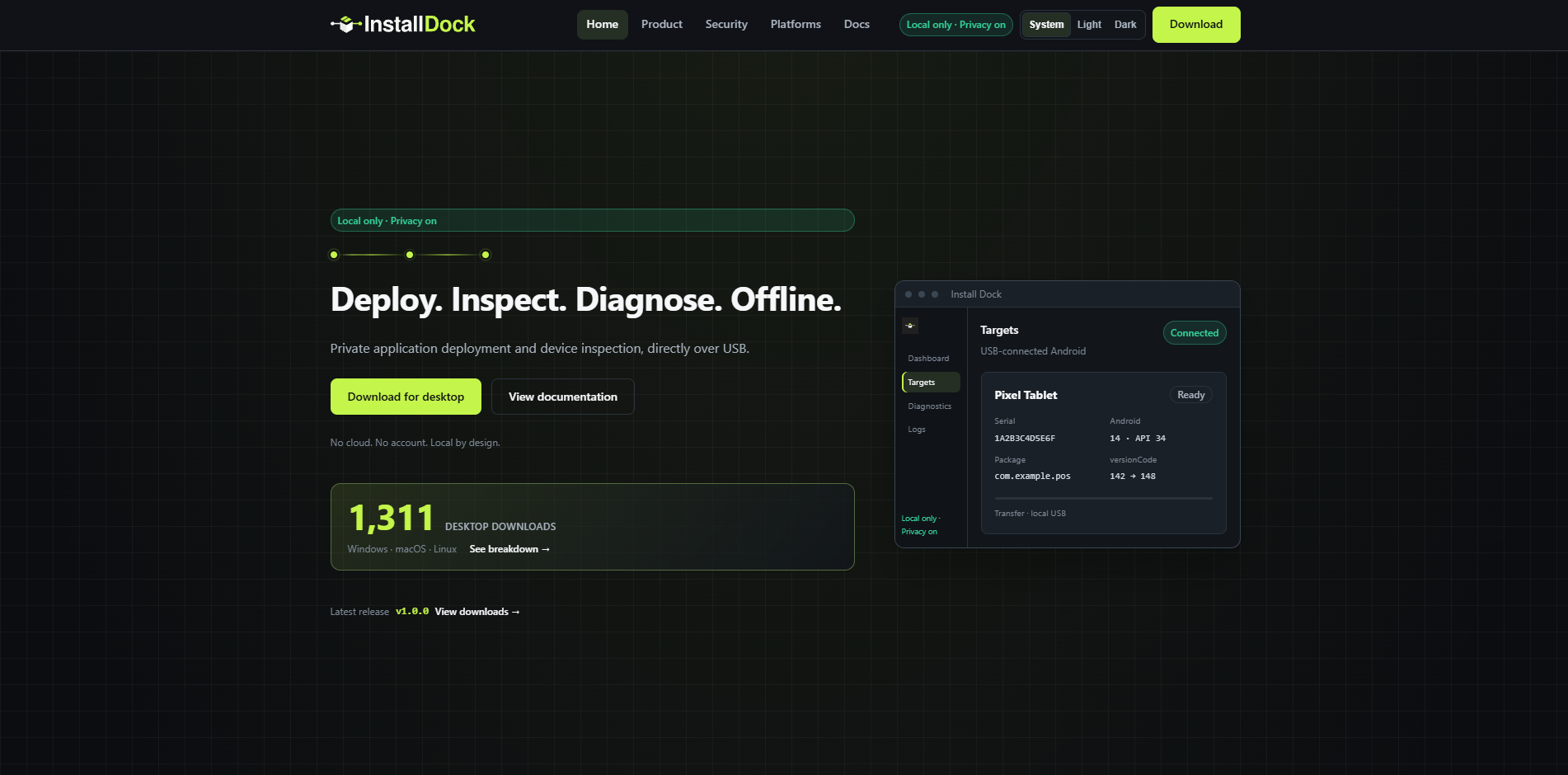
Install Dock is a local-first application deployment and device management platform designed to simplify software installation, application management, and device diagnostics for developers, IT professionals, and technical teams. Traditional application deployment workflows often involve complex command-line operations, fragmented tools, and repetitive manual processes. Install Dock addresses these challenges by bringing essential deployment and device management capabilities into a unified, intuitive desktop application. Through direct USB connectivity and Android Debug Bridge integration, users can connect compatible Android devices, install and update applications, manage installed packages, inspect application metadata, and access important device information. Install Dock's local-first architecture enables users to perform deployment operations without mandatory account registration or dependence on cloud infrastructure, providing greater control over their devices, applications, and operational data. With integrated package inspection, deployment logs, and device diagnostics, Install Dock helps technical teams streamline development, testing, troubleshooting, and application maintenance workflows. Designed with extensibility in mind, Install Dock establishes a foundation for supporting additional deployment environments and device ecosystems as the platform evolves. Built for developers. Designed for efficiency. Engineered for control.
Deploy applications directly to compatible connected devices without relying on external cloud infrastructure.
Connect and identify compatible Android devices through direct USB connectivity from a unified desktop interface.
Access essential ADB-powered application deployment and device management operations through an intuitive graphical interface.
Install Android APK packages directly onto connected devices, simplifying development, testing, and application deployment workflows.
Update and reinstall applications on connected devices without navigating complex manual deployment processes.
Manage application versions and perform supported downgrades where device permissions and package compatibility allow.
Discover, search, inspect, and uninstall applications installed on compatible connected Android devices.
Inspect local APK packages and retrieve essential application metadata before proceeding with deployment.
Access available device information and diagnostic details to support technical troubleshooting and deployment decisions.
Perform application deployment and device management operations through direct USB connections.
Loading products...
Tell us what you want to automate. We'll design the right agent, workflow, or product roadmap for your business.